Today, Apps and Activity
Use Today as the landing page, launch a product from Apps, and read the cross-app feed.
After sign-in the sidebar is Today, Apps, Calendar, Dashboard, Activity, Bridge, Settings and API Docs. Today and Apps are the two you use every morning.
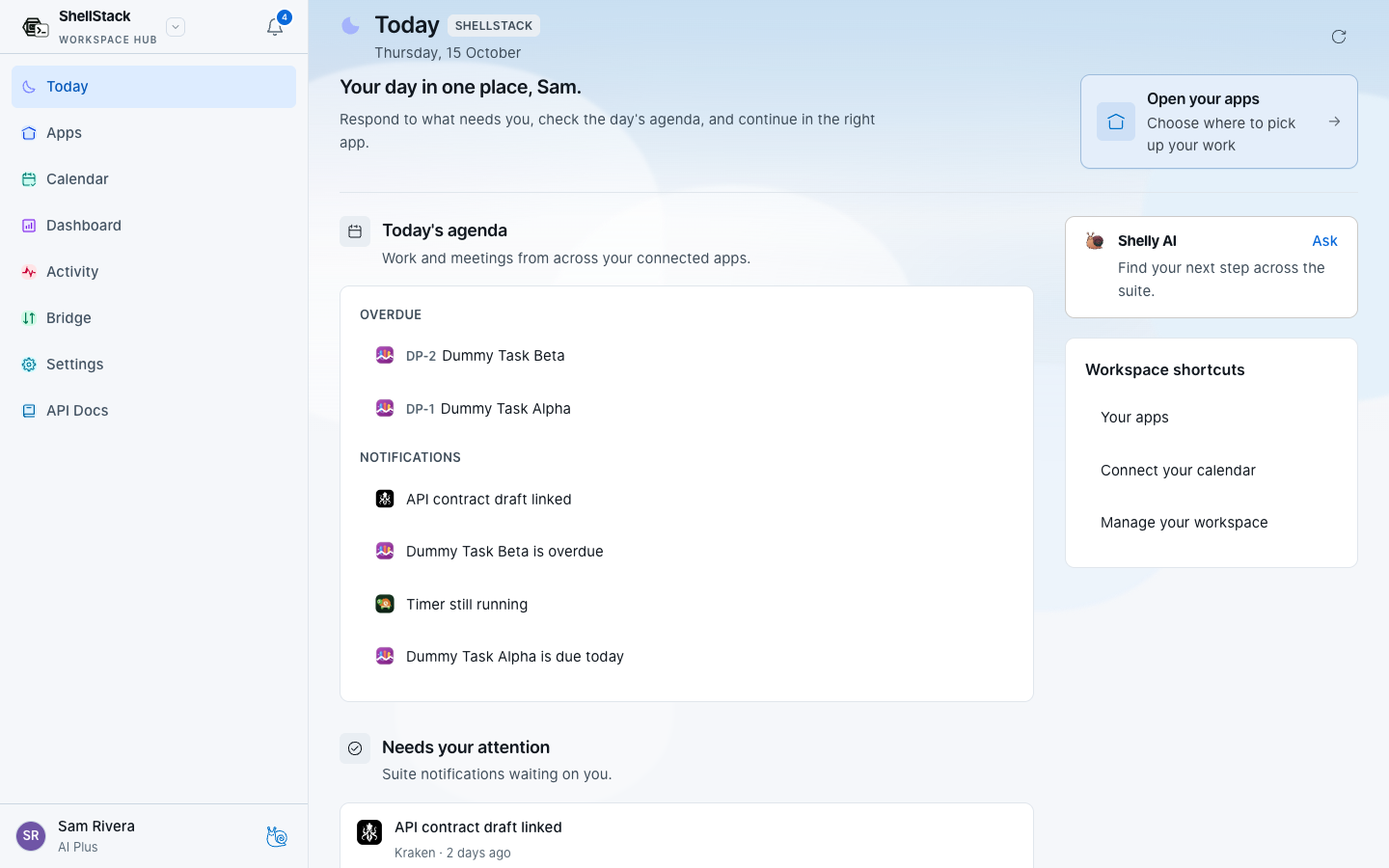
Today
Today is the cross-app landing page. It shows the agenda, notifications that need you, documents and updates. When AI is available it adds a short focus line. When AI is off, you still get the same lists. Open an item to go to the app that owns it.
Launch an app
- Open Apps Apps is the launcher. Each card is a product your membership allows. Shelly appears when the organisation is on an AI plan.
- Choose the organisation If you belong to more than one, use the organisation switcher first. The cards follow the organisation you have selected.
- Open the card ShellStack checks your session and hands you to that product already signed in. If the product asks for a workspace, pick the same space you intended here.
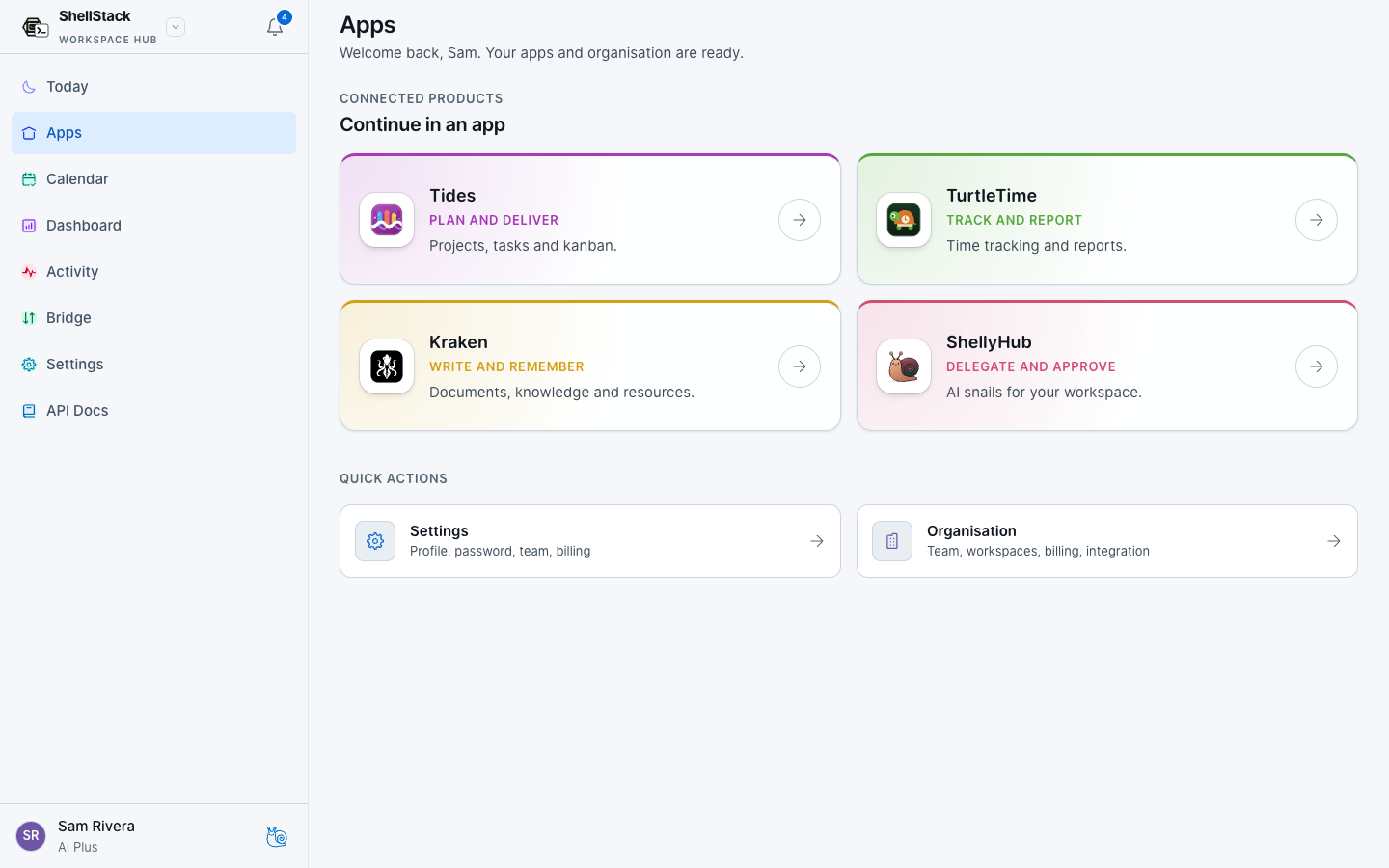
Inside TurtleTime, Tides, Kraken or Shelly, the app switcher in the sidebar jumps to a sibling app or back to ShellStack with the same handoff. You should not be asked to sign in again unless the session has ended.
Activity
Activity is the recent feed across apps. Filter by product, then open an event to land in the screen that produced it. Use it when someone asks what changed, not as the place you do the work.
If launch fails
- Confirm the product is enabled for you on Settings → Team.
- Confirm you still belong to a workspace that product can open.
- Retry from Apps. Do not create a new account on the product’s own register page.
- If the screen shows a reference code, look it up under Error codes.