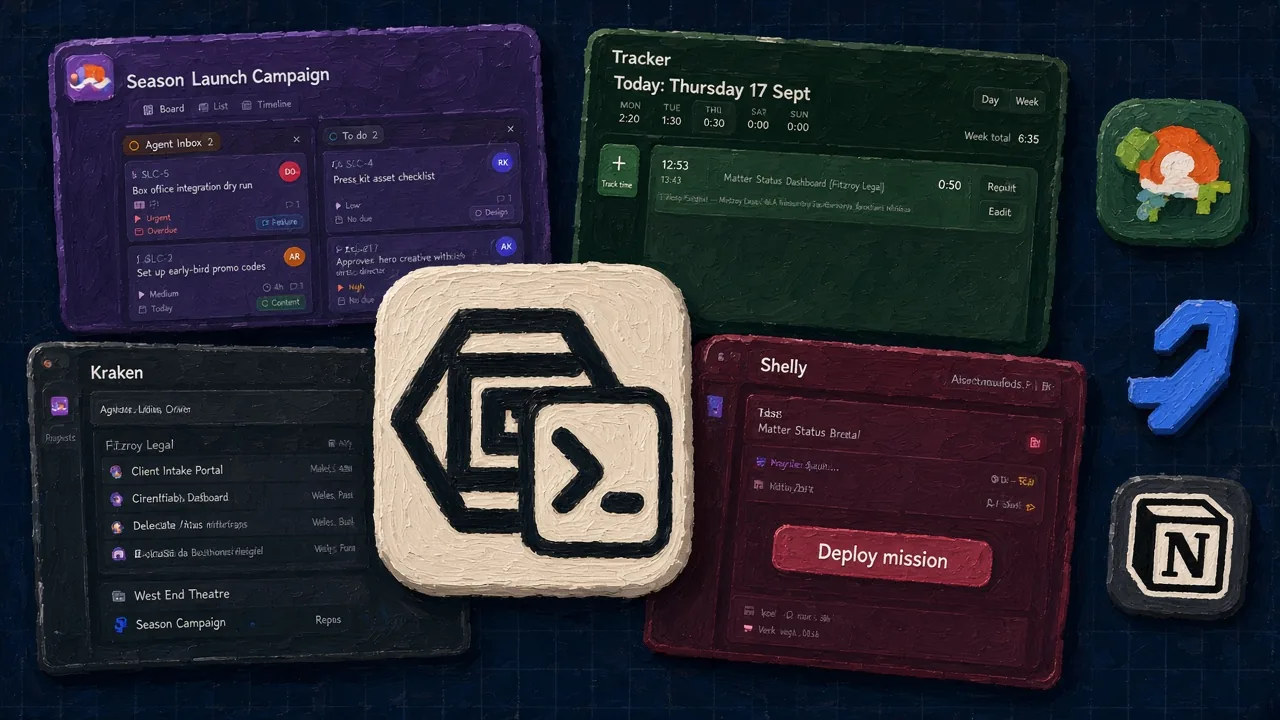
Knowledge tools fail on schedule. Notion becomes a junk drawer because it can be anything. Confluence becomes a graveyard because writing there feels like filing. Outline stays clean because it refuses to be your project manager — and then the spec still lives two clicks away from the work.
| Topic |  Kraken Kraken |  Notion Notion |  Confluence Confluence |  Outline Outline |
|---|---|---|---|---|
| What it is | A document product | A workspace OS | An enterprise wiki | A clean wiki |
| Tied to work? | Client, project, task | If you build the links | Jira macros | Not really |
| Editing | Live, with history | Blocks, forever | Good enough | Markdown-first |
| Collab store | Y-Sweet. Django owns ACL | Their cloud | Their cloud | Your Postgres |
| Research | Deep Search as an AIJob via CRW | Q&A over pages | Rovo, if you pay | Not the job |
| Files | Private R2, bytes-checked, 50 MiB | In the page | Attachments | Uploads |
Pick Kraken if
The document is rotting because it cannot see the work, not because you need another database.
Pick Notion if
You need databases, calendars, and a DIY internal tool. Stay. We will not grow a CRM in the sidebar.
Pick Confluence if
You are an Atlassian shop and the wiki has to sit next to Jira for political reasons.
Pick Outline if
You want a self-hosted Markdown wiki tonight and nothing else.
If the page cannot see the work, people stop writing it. That is not a culture problem. It is an architecture problem. We kept Kraken a document product on purpose. Headings, tables, files, comments, search that can see what you attached. Then the page can belong to a client. The Tides card can point at it.
What the document actually is
- Workspace-scoped document, folder or flow. BlockNote JSON, extracted body_text, revision number, lock, archive, visibility.
- Private stays with the creator or an explicit grant. Workspace share is one-way — children inherit, you do not unshare later.
- Live editing: the client asks Django for a Y-Sweet token. Yjs syncs through Y-Sweet. Snapshots and ACL stay in the API.
- Attachments validated from file bytes, default 50 MiB, private Kraken R2. Not the public marketing bucket.
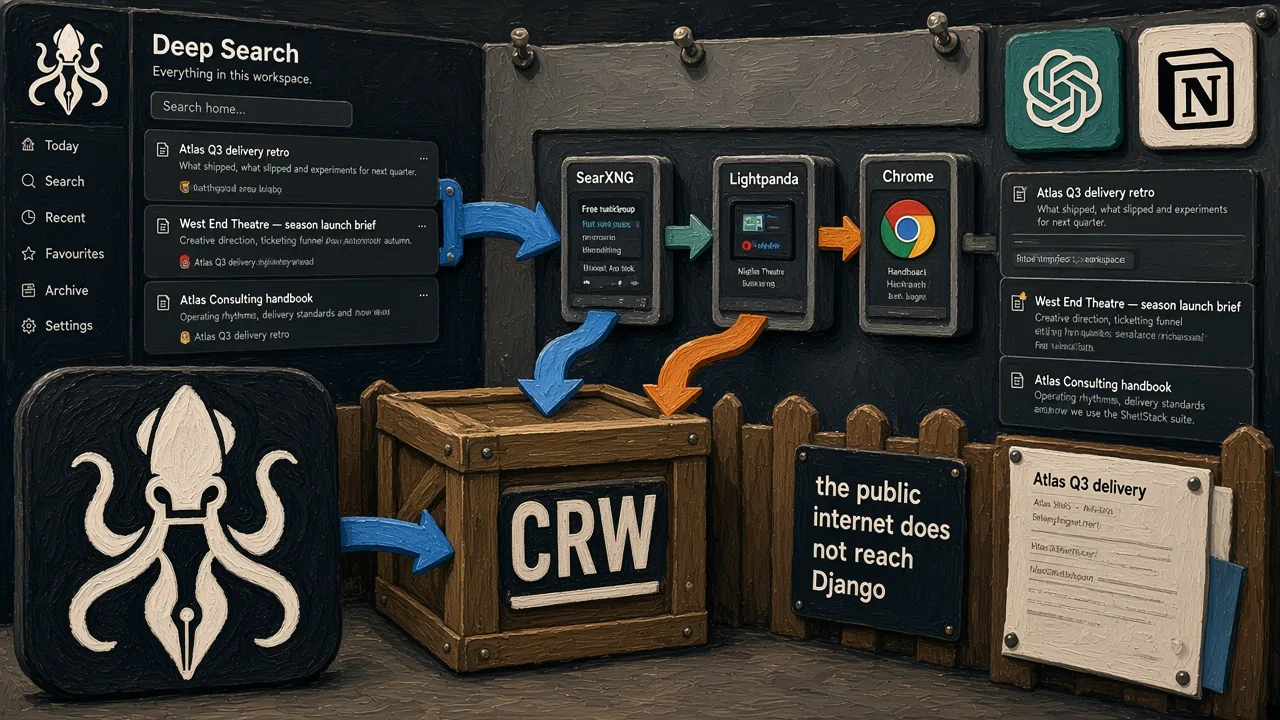
- Deep Search is an AIJob on qcluster, talking only to CRW (SearXNG + Lightpanda/Chrome behind that). The browser does not hold the research loop open.
- Ask, indexing, file extraction, drafting. Workspace AIProvider / AIModel rows pick the model. Credentials never serialise to the client.
- Tides can search linked Kraken resources from a project or task. Kraken still decides who may see the page.
A wiki that sits beside nothing becomes archaeology.
Deep Search is a separate stack, on purpose. The page can cite the web without Django talking to a search engine. That architecture has its own piece.
Use Kraken when the page has to sit beside the board, or it will not get updated.